
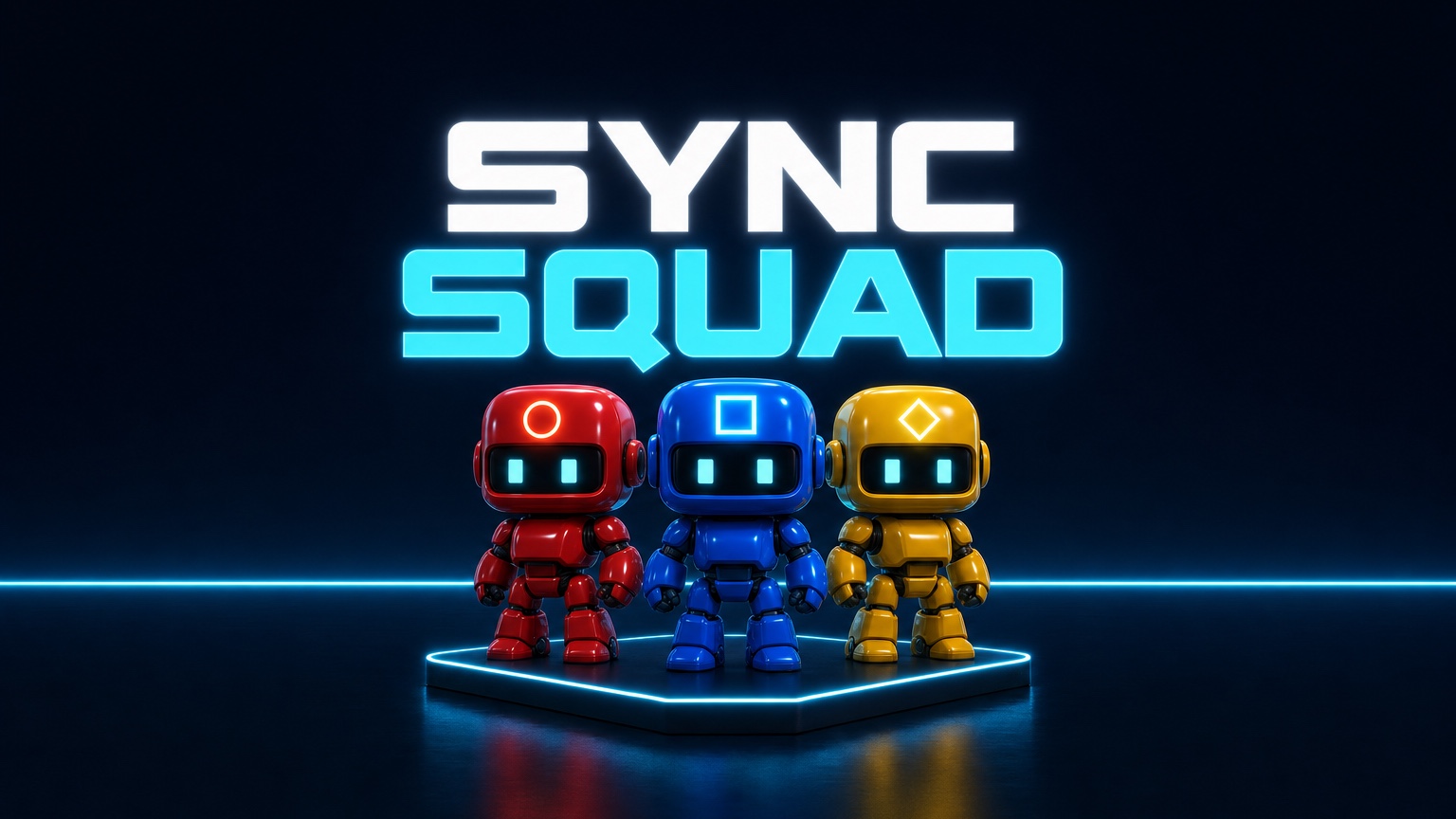
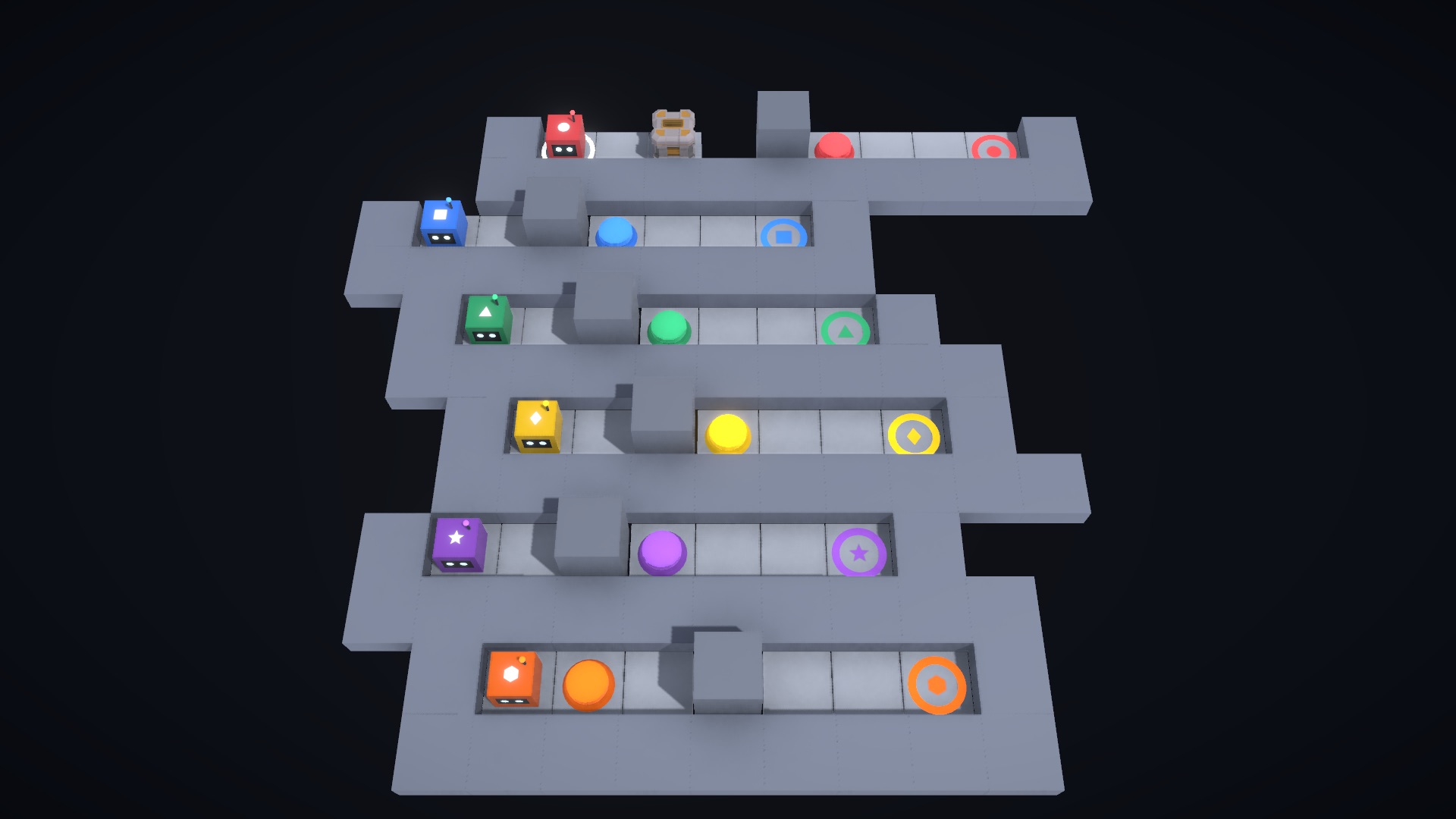
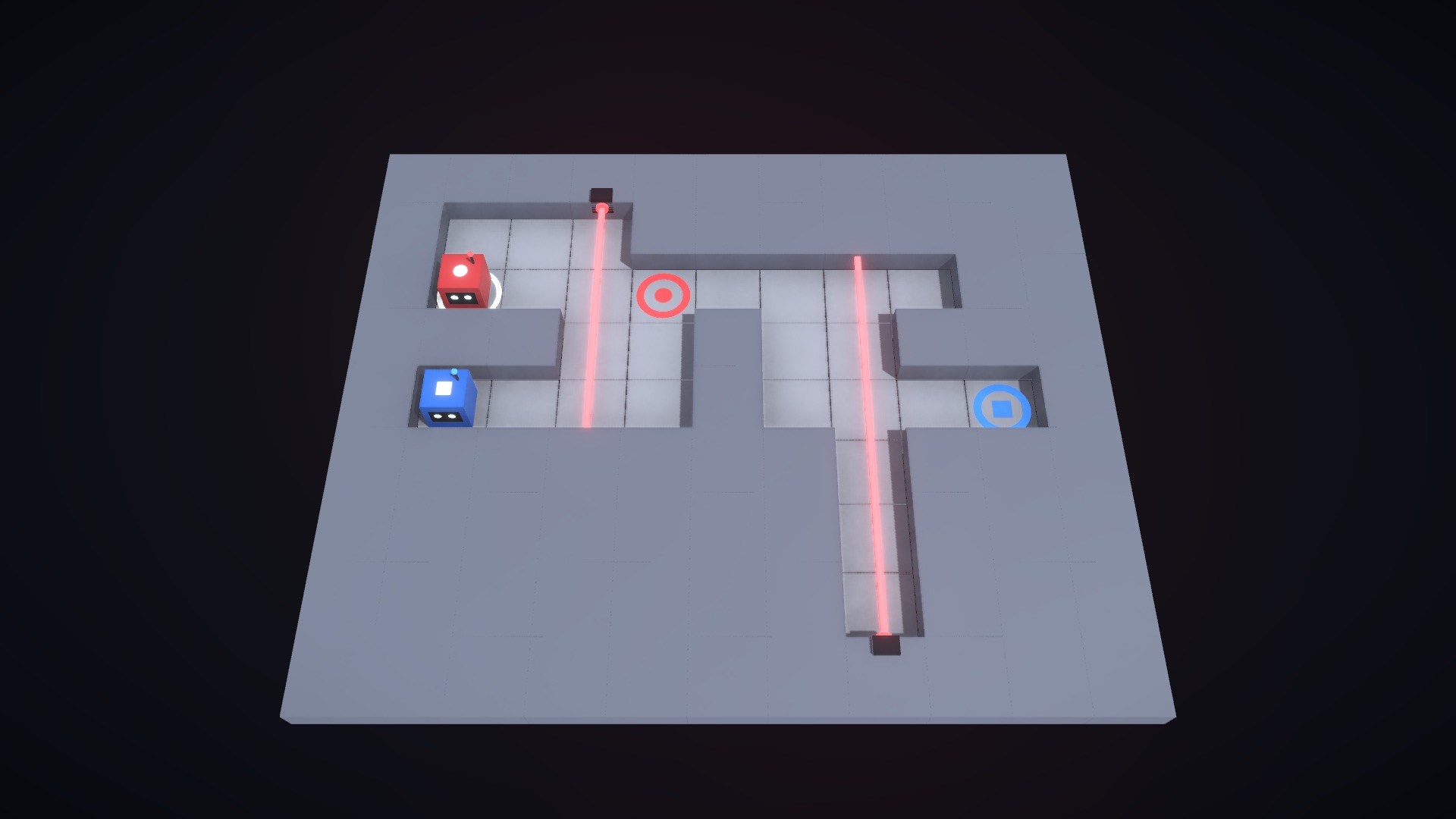
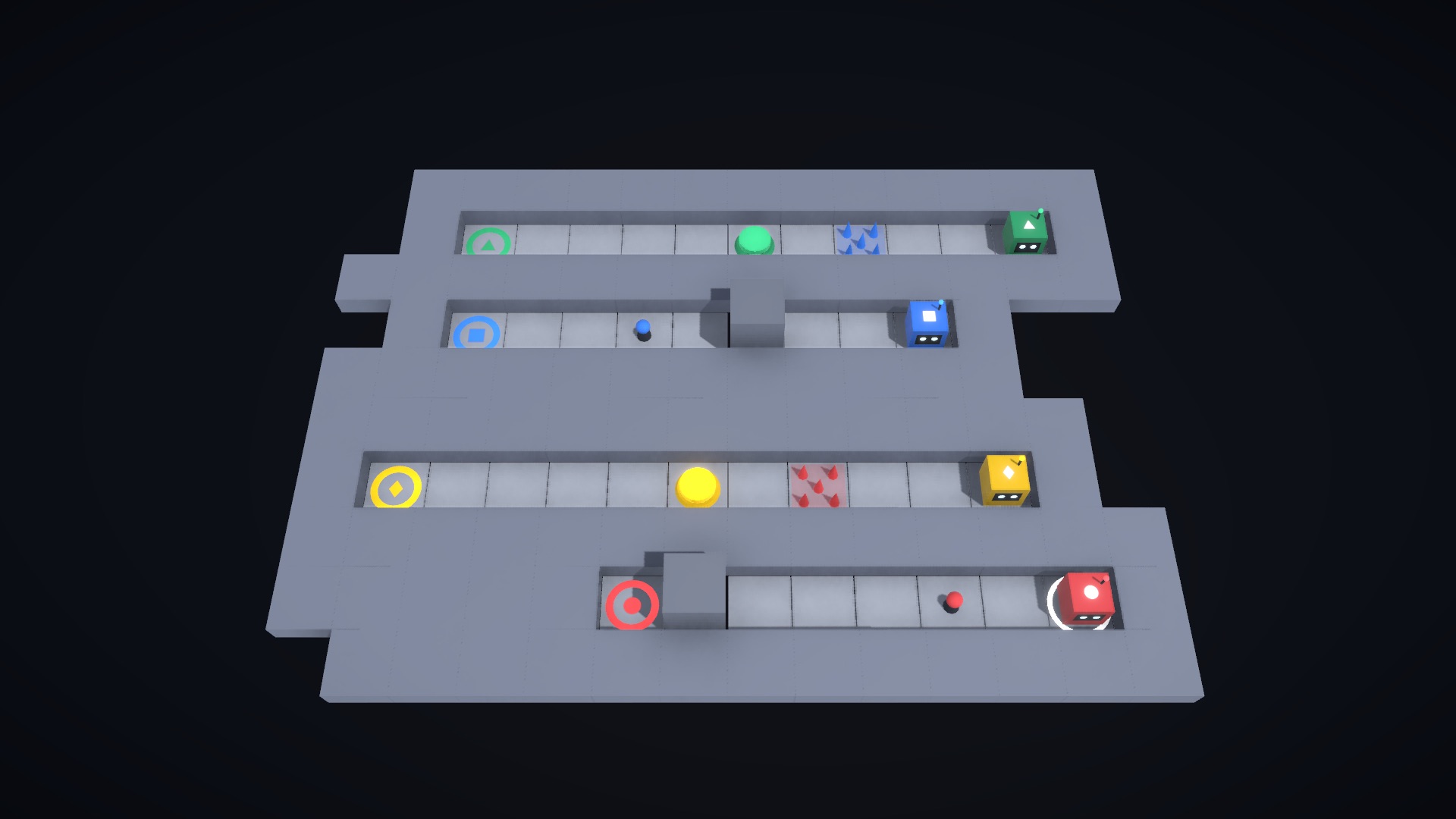
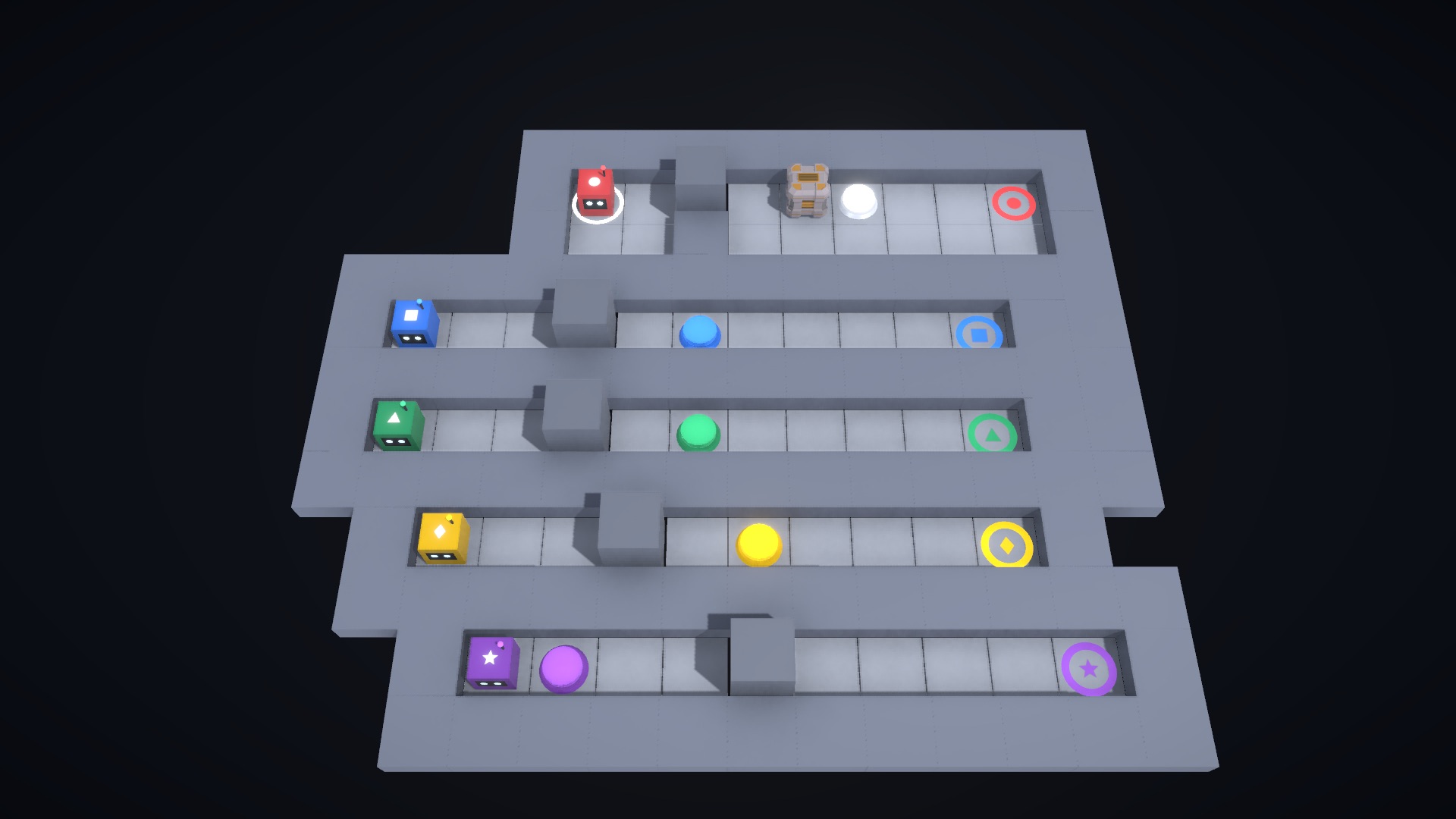
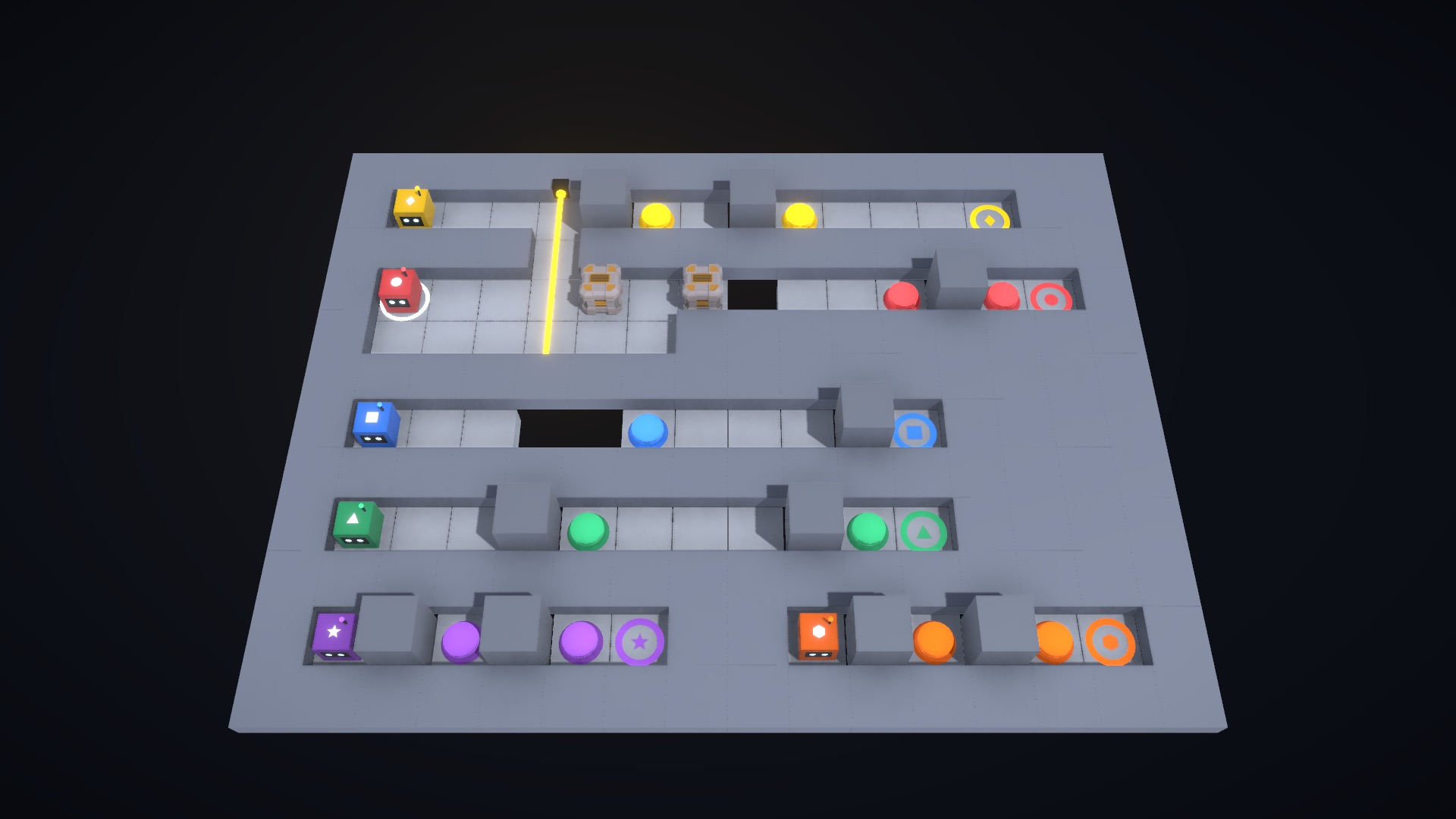
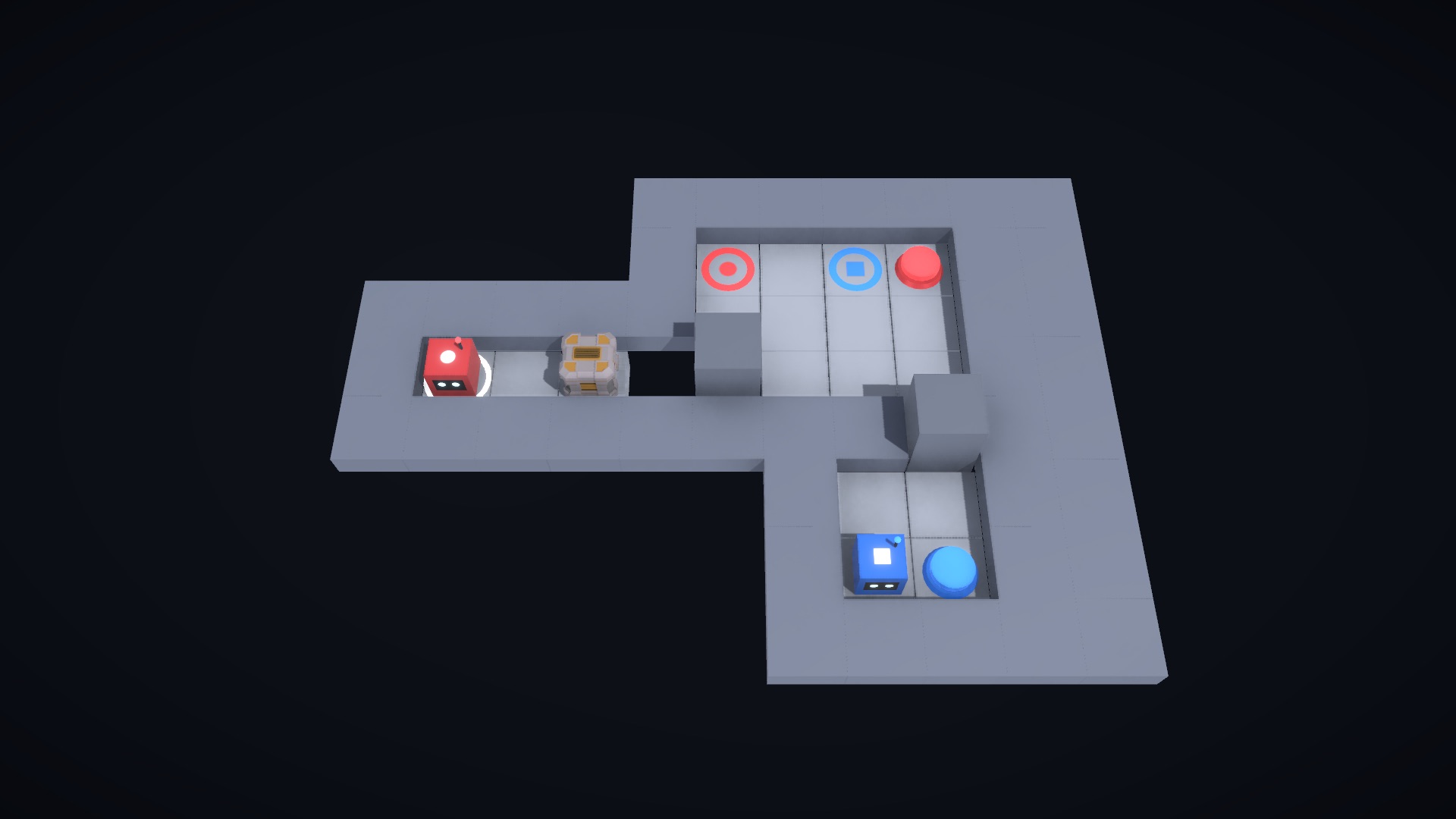
Sync Squad drops two to six of you into a floating test chamber, one colored robot each. The exit only opens when every robot is standing on its matching goal at the very same moment. One robot short and nobody leaves.
Here's the catch that makes it a talking game: every hazard is keyed to a color, and the thing that vaporizes your teammate is completely harmless to you. You might walk straight through something your partner has to go the long way around. So you can never just play your own robot. You have to describe what you see, warn each other, and agree on who moves next. Most of a chamber gets solved out loud, not in your hands, and nobody clears one alone.
There's no timer and no twitch to it. You can sit and stare at a chamber for as long as you want, which makes it an easy thing to hand to people who don't play games: a partner, a parent, a whole team on a call. It still ramps up to chambers that keep a practiced squad happily arguing for twenty minutes. Restarts are instant. And yes, you will push a friend off the edge. Eventually on purpose.
How to play
Step 1
Start a squad
Pick a squad size from two to six, create a room, and share the five-letter code. Everyone joins from a browser, so there's nothing to install and no accounts to make.
Step 2
Take a color and look around
Each player drives one colored robot with WASD or the arrow keys. The camera floats above the whole chamber and you can swing it around to read the layout from any angle before anyone commits to a step.
Step 3
Learn the color rules
Everything in a chamber is color-coded. Your own color can never hurt you; another color can end your run in one step. Half the game is learning to spot which dangers are yours to ignore and which ones belong to a teammate.
Step 4
Say it out loud
Because you each see different dangers, the squad that talks wins. Call out what's in front of you, agree on who steps and when, and click any tile to drop a ping when pointing is faster than explaining.
Step 5
Land on every goal at once
A chamber only clears when all robots sit on their matching goals at the same moment. When it goes wrong, hit R for an instant restart and try the next idea. Failing fast is the whole point.
How your group joins
Step 1
Open the game
The game opens a room for you and shows an invite link in its lobby.
Step 2
Send the link
Copy the invite link from the lobby and paste it in your group chat, Slack, Teams or the meeting chat.
Step 3
Everyone joins
Players open the link, type a name and they are in. No account and no download. Only you need an account.
Take Sync Squad with you
The story, the facts and the artwork in a single PDF, ready for your deck or event proposal.
More from the library
KTANE
Defuse the bomb before time runs out — one sees it, the rest hold the manual.
Co-op · 4–20 players · 60–120 min

Marvelli's Last Show
Halloween 1938. One night only. The carnival gates just locked behind you.
Co-op · 2–8 players · ~90 min

North Pole Night Shift
The elves clocked out. Your team runs the workshop tonight.
Co-op · 2–8 players · ~90 min

The Last Human Office
The AI runs the building now. Prove humans still matter.
Co-op · 2–8 players · ~90 min
Backrooms Escape
Your video call just noclipped out of reality. The exit only opens for a team.
Co-op · 3–10 players · ~60 min

Ronin Realm
A cursed port, a legendary katana — and neither team escapes without the other.
Co-op · 2–8 players · ~60 min

Spirit Speak
The spirits left you clues. Play the melody right and the mansion lets you go.
Co-op · 2–8 players · ~60 min
Slender
One of you is Slenderman. The rest have eight pages to find before the forest keeps them.
Party · 2–8 players · ~10 min per round
ALIGNED
Guess together, laugh together. How aligned is your team really?
Party · 3–30 players · 15–45 min
Fire the Vibecoder
Someone on the team is vibecoding everything. Find them before the sprint ends.
Party · 3–10 players · ~10 min per round

Holloway
The house is bigger on the inside. Find the sigils, seal the door, get out together.
Co-op · 2–10 players · ~15 min per run
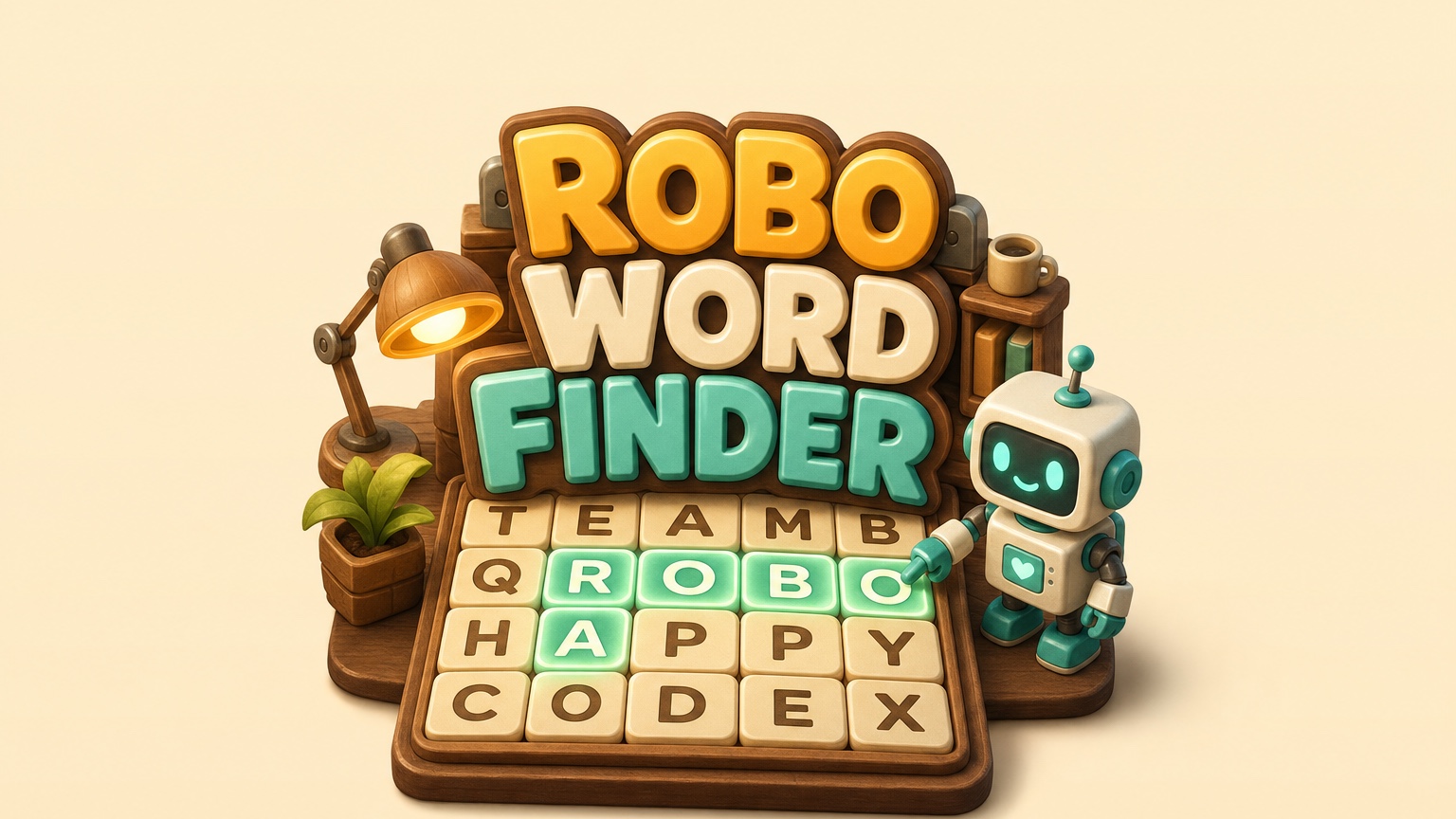
Robo Word Finder
Steer your robot across a giant letter board and spell words as a team. The letter picks are shared, so nobody hunts alone.
Co-op · 1–10 players · Endless rounds

Supernova
Your ship is crippled halfway to Khepri 5. Repair it, save the crew, retrieve the Seed.
Co-op · 2–8 players · ~60 min

Mind the Generation Gap
The founder is retiring and the succession code is sealed in the vault. Four generations stand between you and it.
Co-op · 3–10 players · ~60 min

Consensus
Agree, or nobody scores. A social negotiation game of secret agendas and shifting coalitions.
Party · 3–8 players · ~12 min

Rise of the Mad Pharaoh
The professor stole a sarcophagus. Now the Pharaoh inside wants out.
Co-op · 1–8 players · ~60 min

Slender Halloween Edition
One of you is Slenderman in a witch's hat. The rest have eight potions to find before Hallow's Hollow keeps them.
Party · 2–8 players · ~10 min per round

Rush Hour Market
A queue out the door and three minutes on the clock. Every grocer does every job.
Co-op · 1–4 players · 3 min per shift
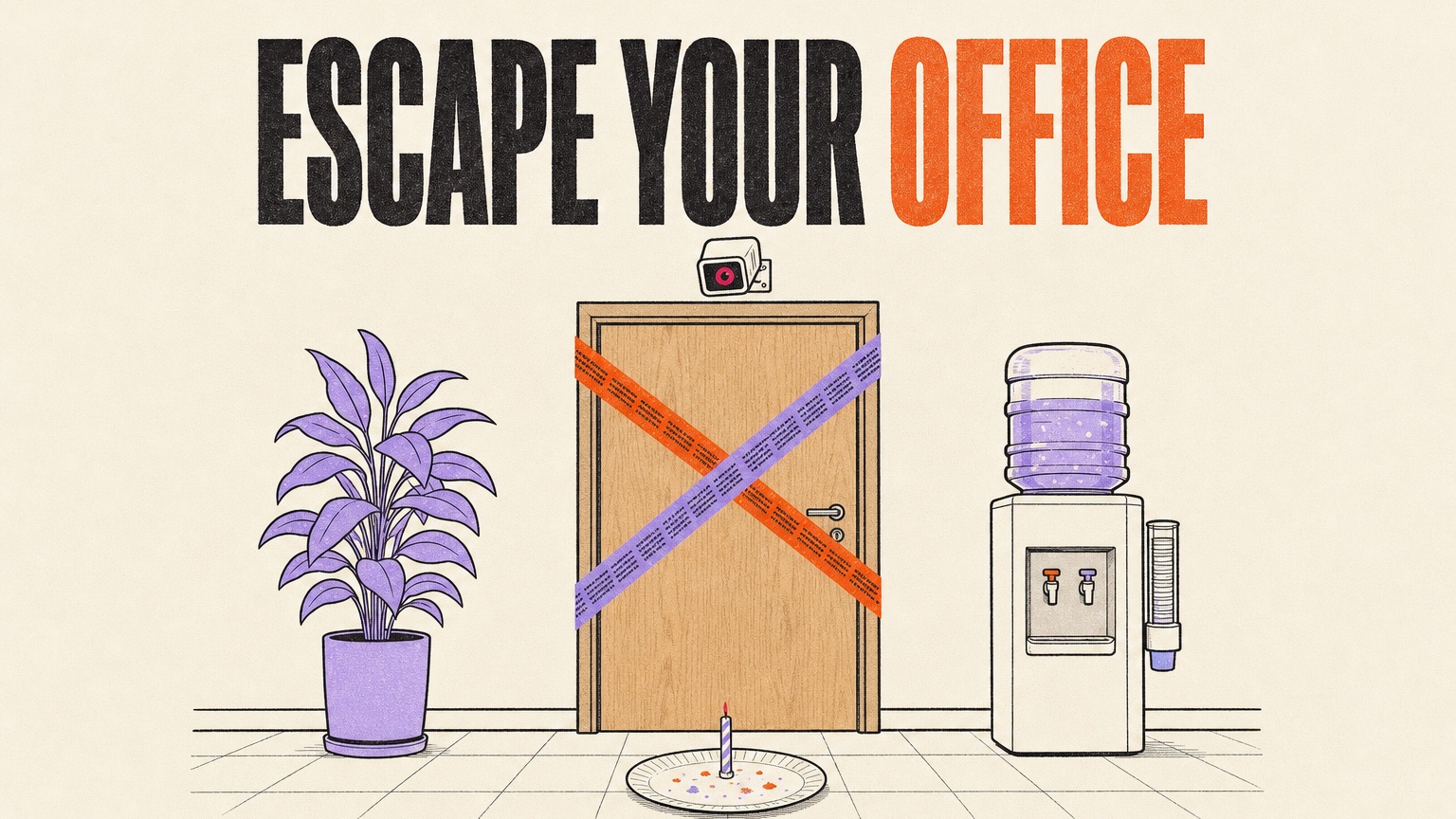
Escape Your Office
Friday, 17:52. The security bot sealed the floor over a missing cake. Get your team home for the weekend.
Co-op · 2–10 players · ~20 min